This page is designed to support you as you work with the MicroBot minicars.
Helping students move from frustration to discovery is at the heart of everything we do.
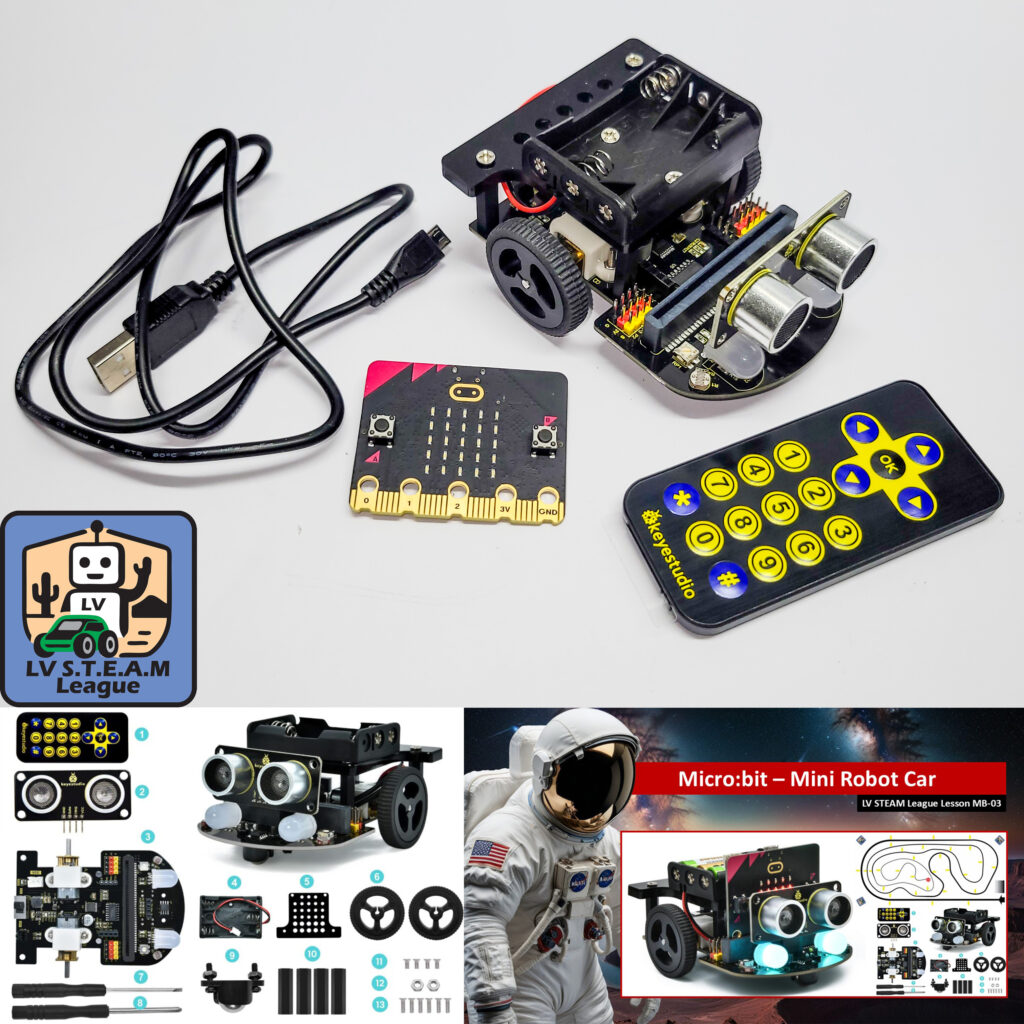
Master Configuration file for the KeyeStudio Makecode MiniCar
This is the default configuration file for the KeyeStudio MakeCode MiniCar. It includes all of the extensions students need to get started. Use this file as the starting point for all projects. Before saving for the first time, students should rename the file so their work is easy to identify later.
CodeLine Track Files
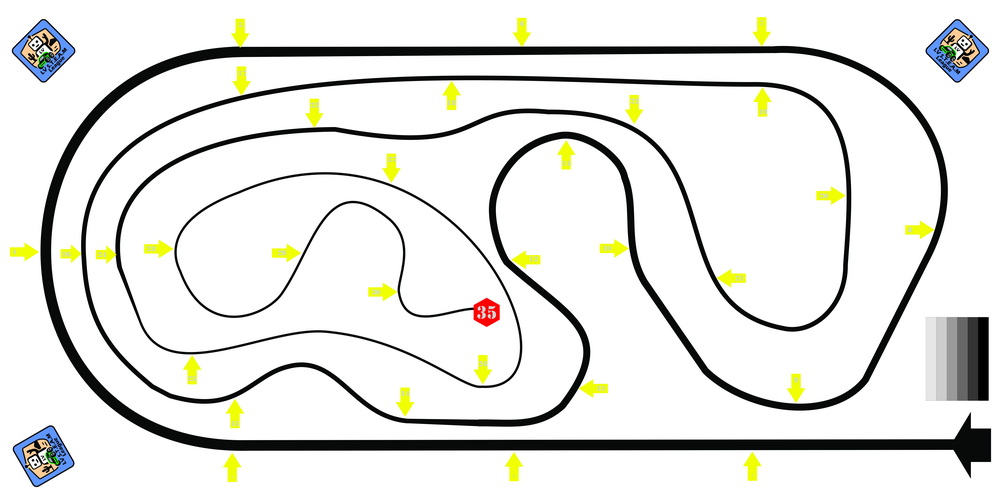
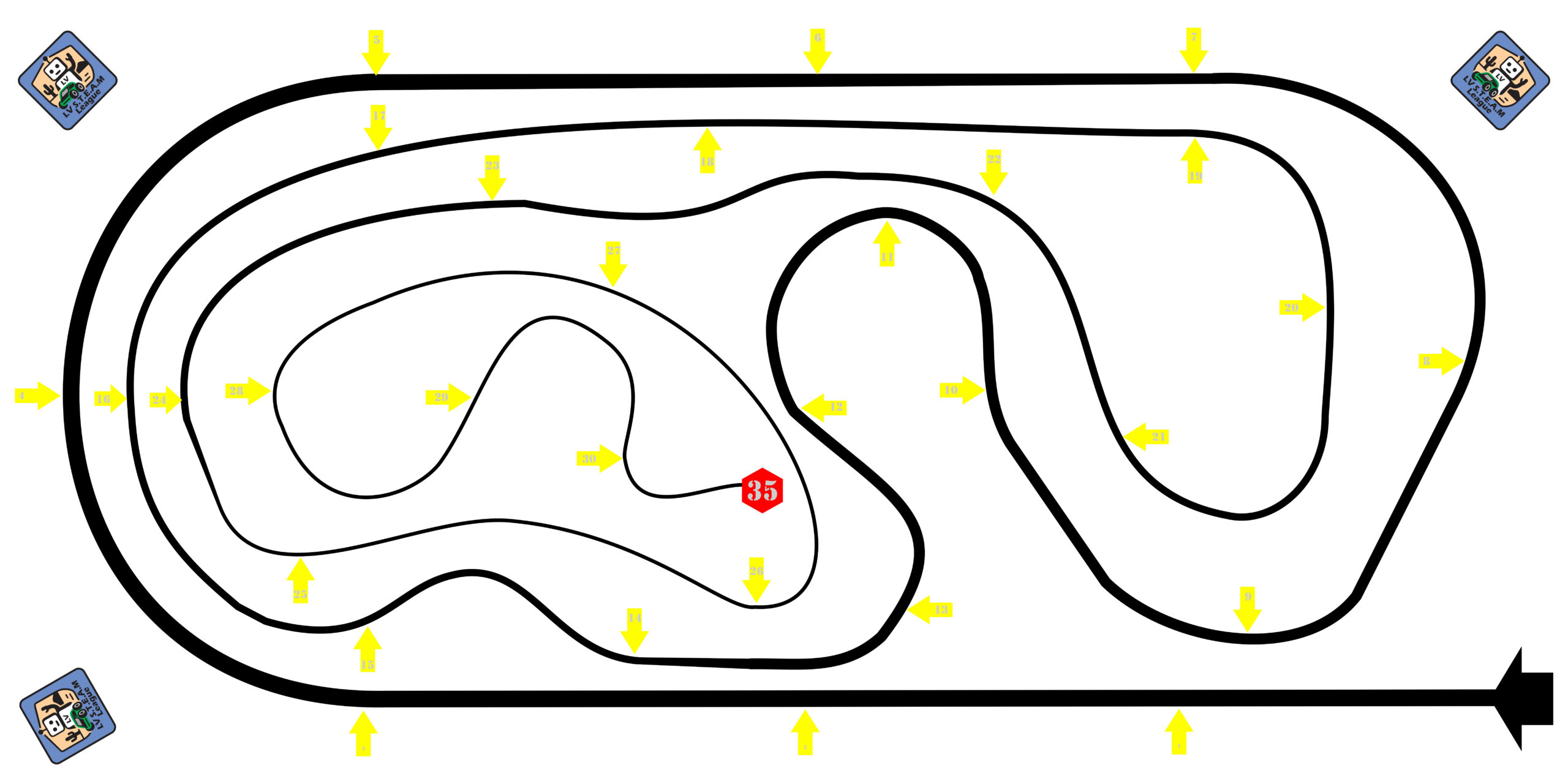
Codeline Robotics uses the same track for both Arduino and Micro:Bit Challenges. However, the Codeline track is printed 3 feet x 2 feet where the Arduino track is 5 feet x 3 feet.
Code Examples from the KeyeStudio Makecode Tutorial
Below, you will find background information and example programs that can be plugged in and run right away. These files are not meant to be handed to students. They are here for you to see what a completed action looks like and to give you something dependable to reference or demonstrate when needed.
At LV STEAM League, we believe learning comes from exploration. Frustration is a natural part of that process, not a problem to avoid. These resources help you guide students through those moments, showing them that solutions are possible and that persistence leads to understanding.