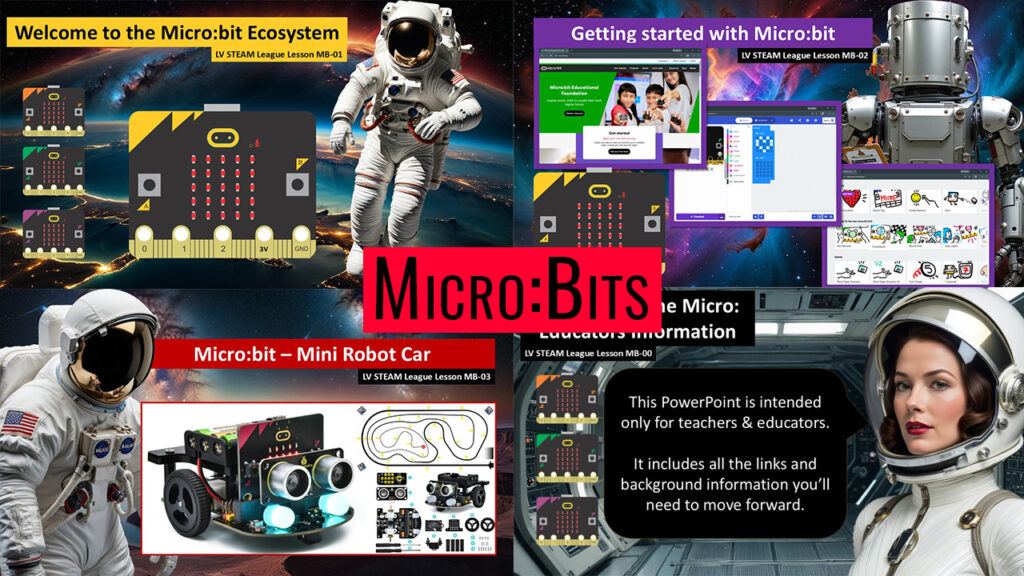
The Microbit pathway is our gentle doorway into coding, creativity, and hands on robotics. Students begin by discovering the story behind the Microbit and exploring all the tiny features packed into this friendly little board. They learn how code can shape behavior, how sensors help a device understand the world, and how a simple idea can turn into something real they can hold in their hands. As the lessons progress, students move from on screen tutorials into live coding, building confidence one small victory at a time. They finish by connecting their Microbit to a mini robot car where their programs suddenly become movement, light, sound, and motion. This whole sequence is designed to help every student feel capable, curious, and excited about engineering. It’s a warm and welcoming journey from first click to first robot.
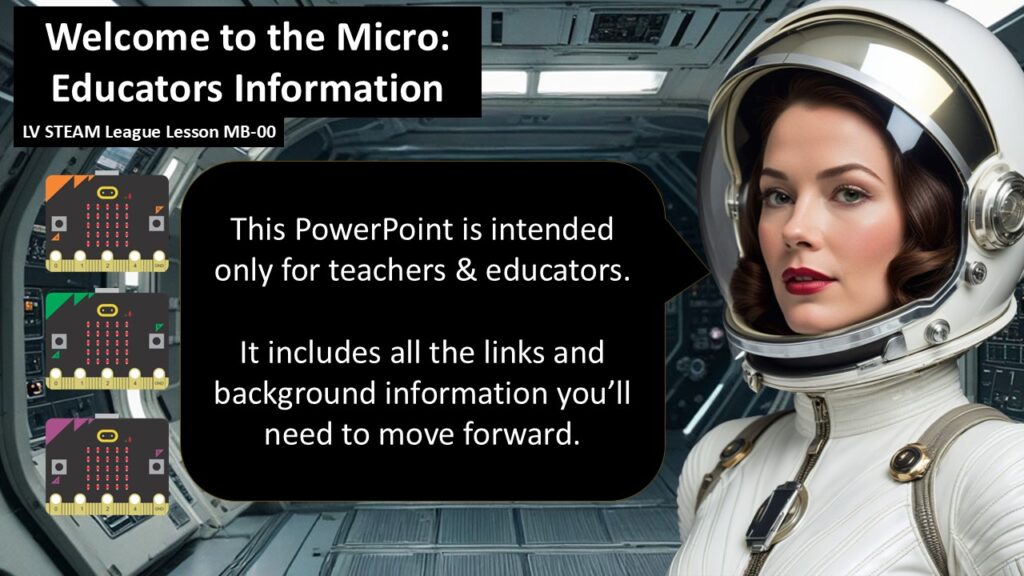
MB-00 teacher intro section
This is a teacher facing overview of the Microbit ecosystem. It helps our educators feel comfortable with the tools we’ll use throughout the Microbit pathway. It gives teachers the confidence, background knowledge, and support they need to guide students through hands on coding and robotics.
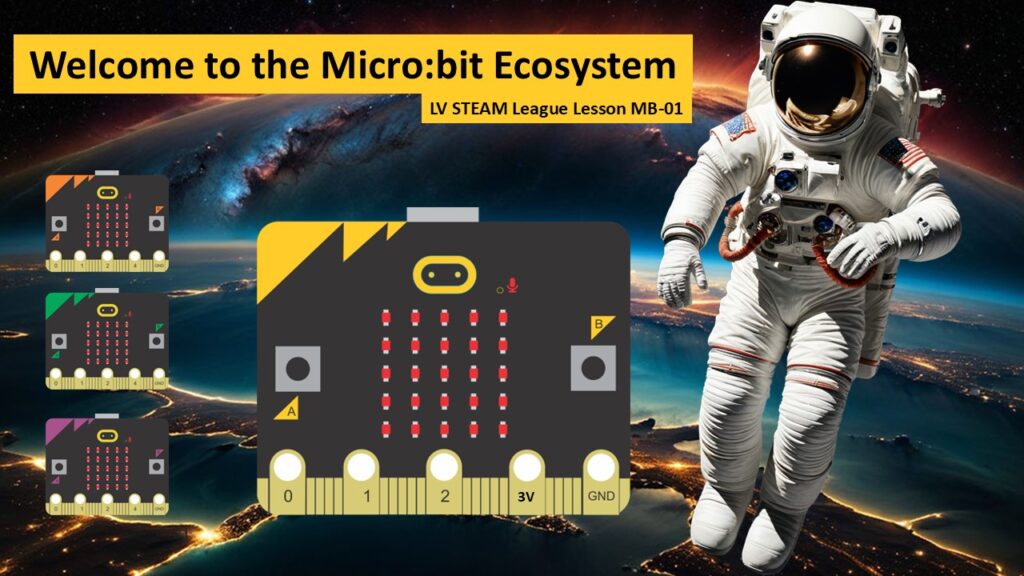
MB-01 MicroBit Ecosystem section
Students are introduced to the world of the Microbit. They explore where it came from, what it can do, and why it has become one of the most widely used learning tools for young coders and makers. This session opens the door to curiosity and shows students the power inside a tiny board.
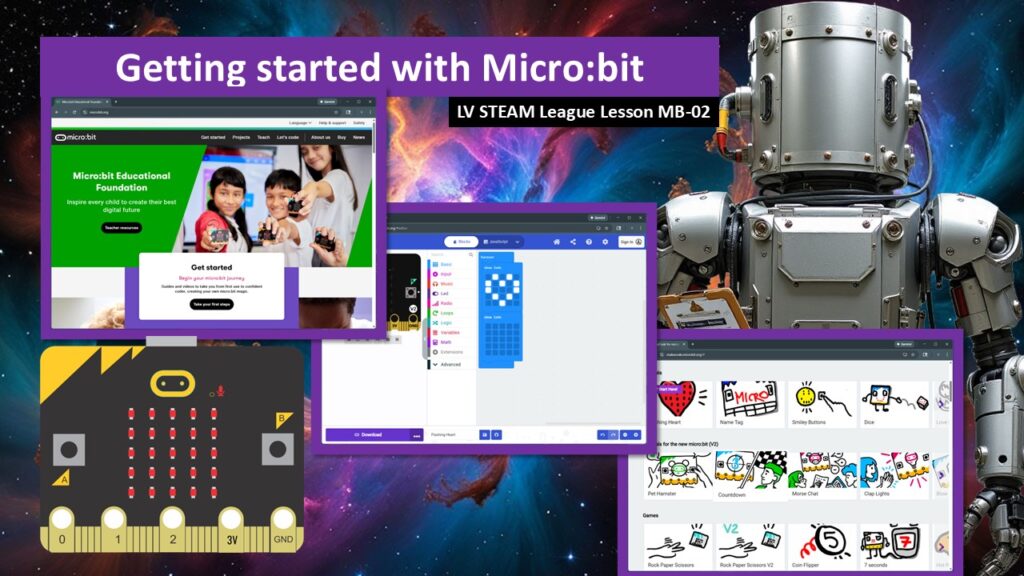
MB-02 Getting started
Students learn how to connect their Microbit, open the MakeCode editor, and complete their first guided tutorial. This lesson focuses on confidence building and gently walking students through the process of writing and downloading their first code.
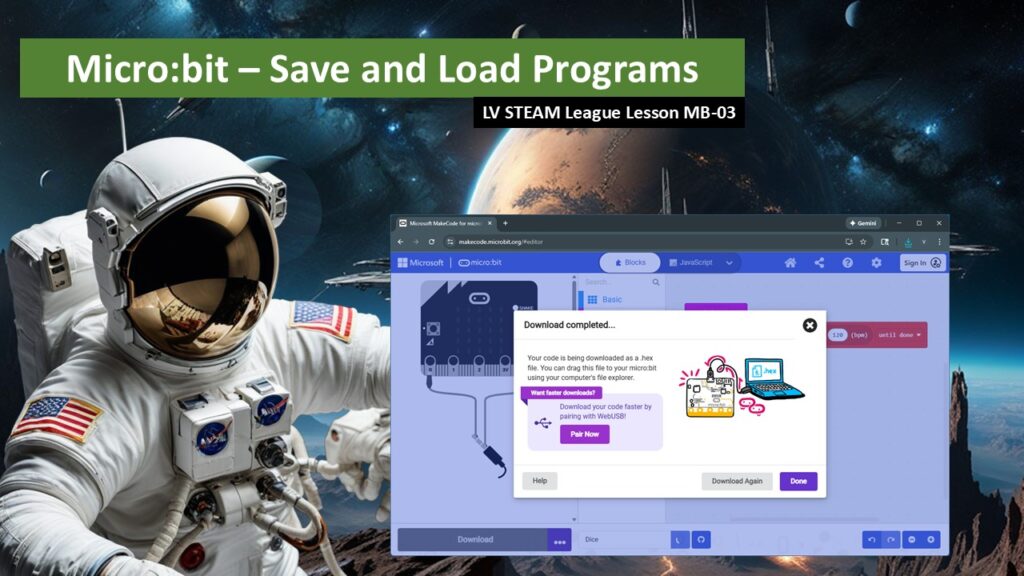
MB-03 Save and Load micro:bit Programs
In this lesson, students explore how the micro:bit can grow beyond its built-in features by using extensions. They learn that programming environments start with core tools and can be expanded to control robots, sensors, and other devices. This lesson helps students understand how real technology scales and empowers them to unlock new creative possibilities safely and confidently.
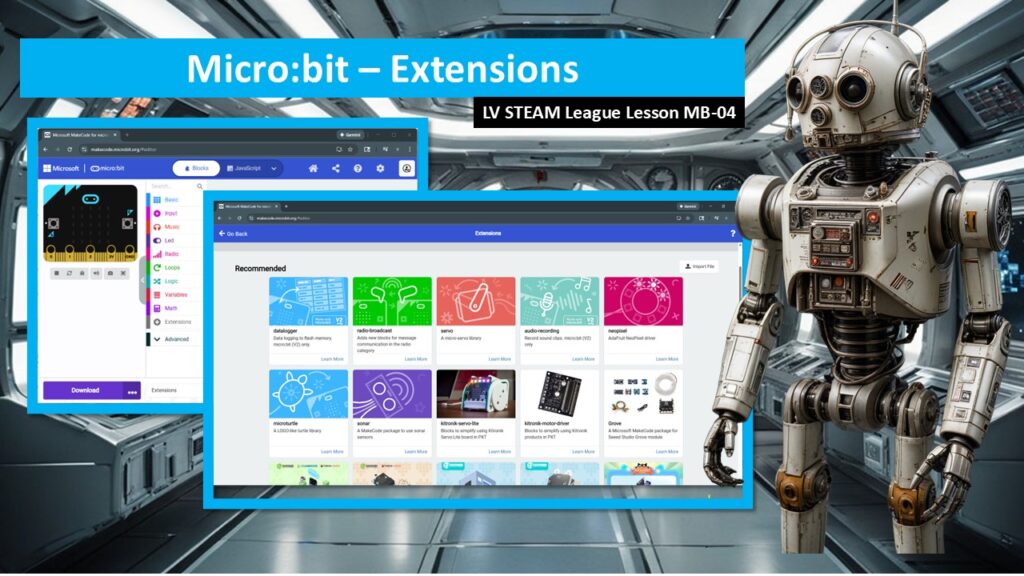
MB-04 microbit Extensions and Libraries
Students learn how to save their micro:bit programs and load them again later. They discover that their work does not disappear when class ends and that their ideas can be protected and continued over time. This lesson builds confidence, independence, and good creative habits, especially when students are using shared school computers.r
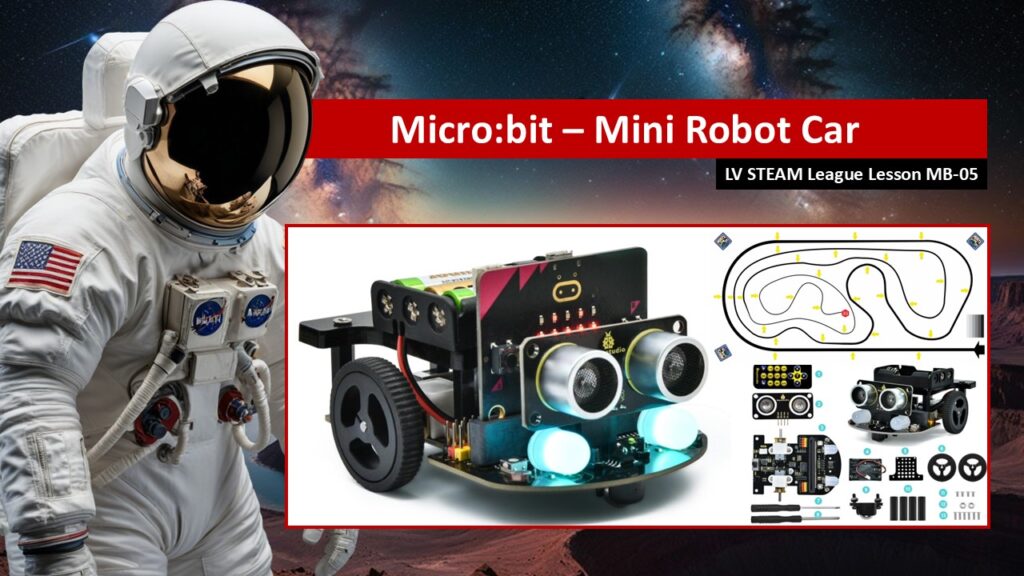
MB-05 microbit Mini Robot Car
Students are introduced to the Mini Robot Car and see how code, sensors, and motors work together to create a real moving robot. Using starter code, students explore how the micro:bit controls movement, responds to sensors, and reacts to input. The focus is on discovery, excitement, and building confidence as students begin working with robotics in a hands-on way.
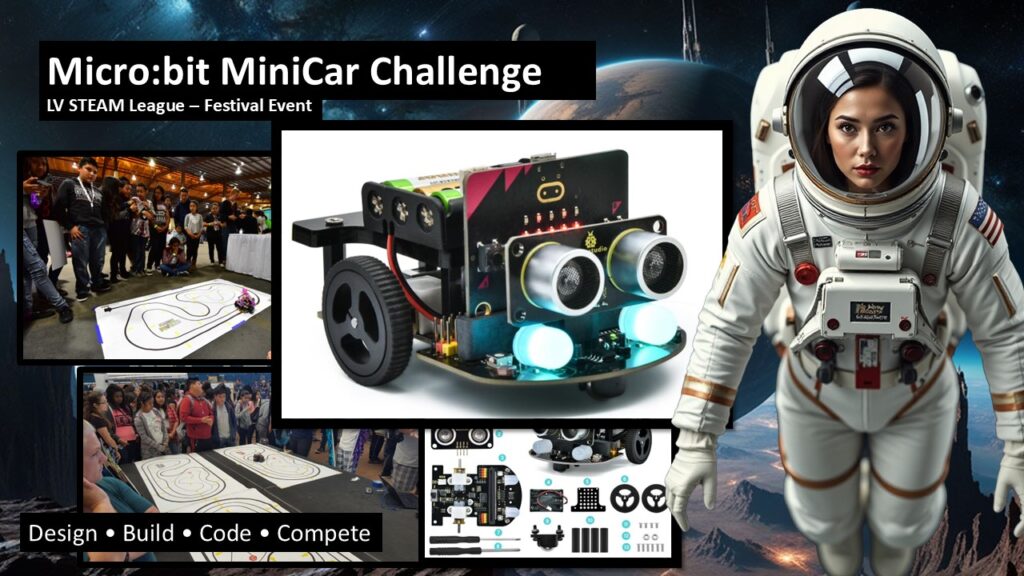
MB-06 microbit MiniCar Challenge
Students prepare for the MiniCar Challenge, a festival-style event that celebrates creativity, teamwork, and problem solving. Students learn the structure of the challenge, how scoring works, and what is expected of them as a team. The lesson emphasizes iteration, collaboration, and confidence, helping students see challenges as opportunities to learn and grow.
MB-07 MicroBit Radio Controlled MiniCar
This lesson is for ADVANCED students only.
Do not introduce this module unless students have successfully completed and demonstrated mastery of all prior Micro:Bit MiniCar lessons.
Teacher Support Page – MinCar Files
Teacher support page with code samples and instructions.